Click here to download the guide as a PDF file
This error usually occurs when the mobile device date and time are not set to Automatic. Update the settings and try again.
Changing the settings on an Android
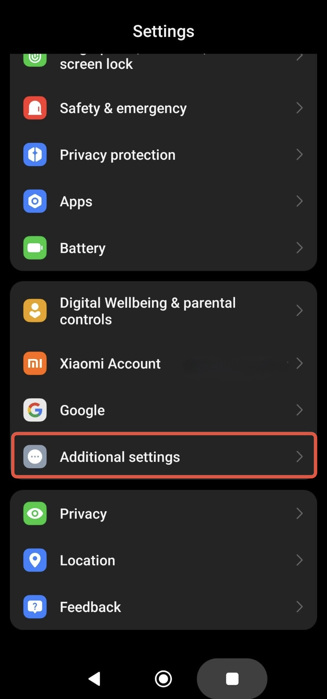
Settings > Additional settings
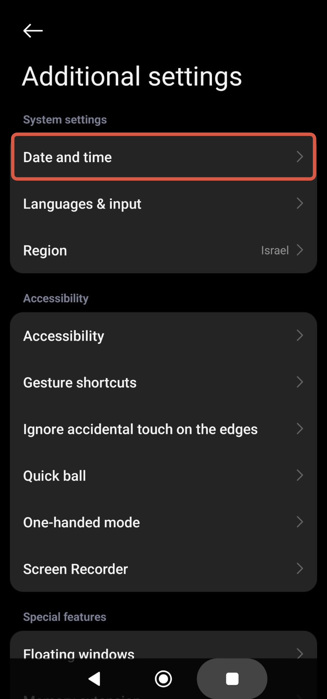
Settings > Additional settings > Date and time
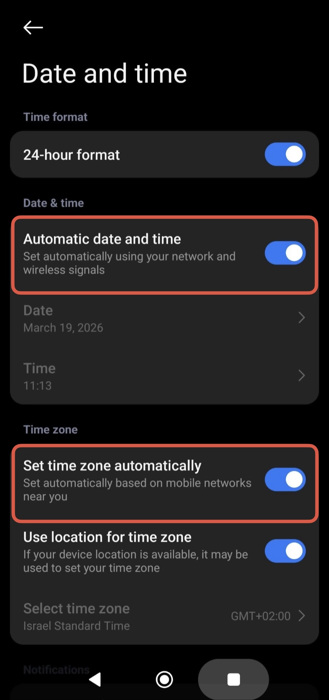
Settings > Additional settings > Date and time > Turning on 'Automatic date and time' and 'Set time zone automatically'
Changing the settings on an iPhone
Settings > General
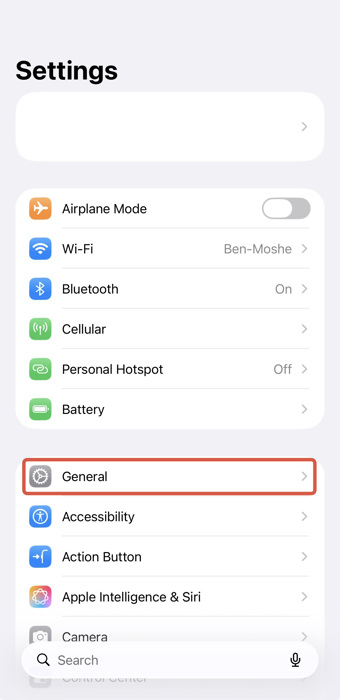
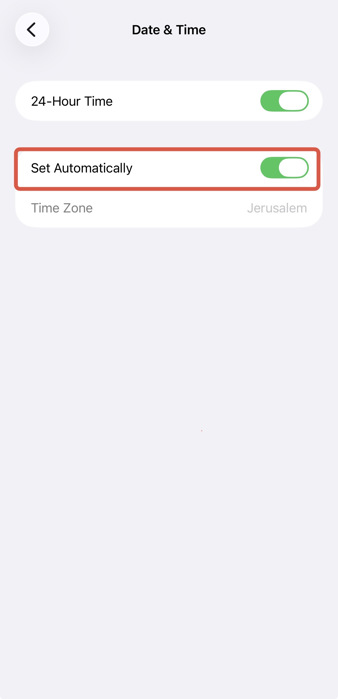
Settings > General > Date & Time
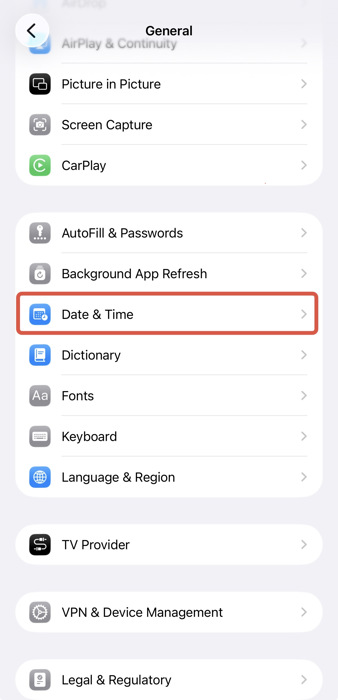
Settings > General > Date & Time > Turning on 'Set Automatically'